
Hosted user management widgets
Customers manage organizations and users for their workspace through hosted widgets
Your customers, especially workspace administrators, want to manage organizations and users for their members. Scalekit provides a hosted widgets portal that lets your customers view and manage organizations, users, and settings for their workspace on their own—without you building custom UI.
To integrate hosted widgets, redirect your organization members to the Hosted Widgets URL:
<SCALEKIT_ENVIRONMENT_URL>/ui/ # https://your-app-env.scalekit.com/ui/Scalekit verifies the organization member’s access permissions and automatically controls what they can access in the widgets. The widgets inherit your application’s branding and support your custom domain.
Organization widgets
Section titled “Organization widgets”Organization widgets let your customers manage their organization’s settings, members, and configurations. These widgets are access-controlled using Scalekit permissions and feature entitlements. A widget appears only if the user has the required permissions and the organization has the corresponding feature enabled.
-
Manage organization settings
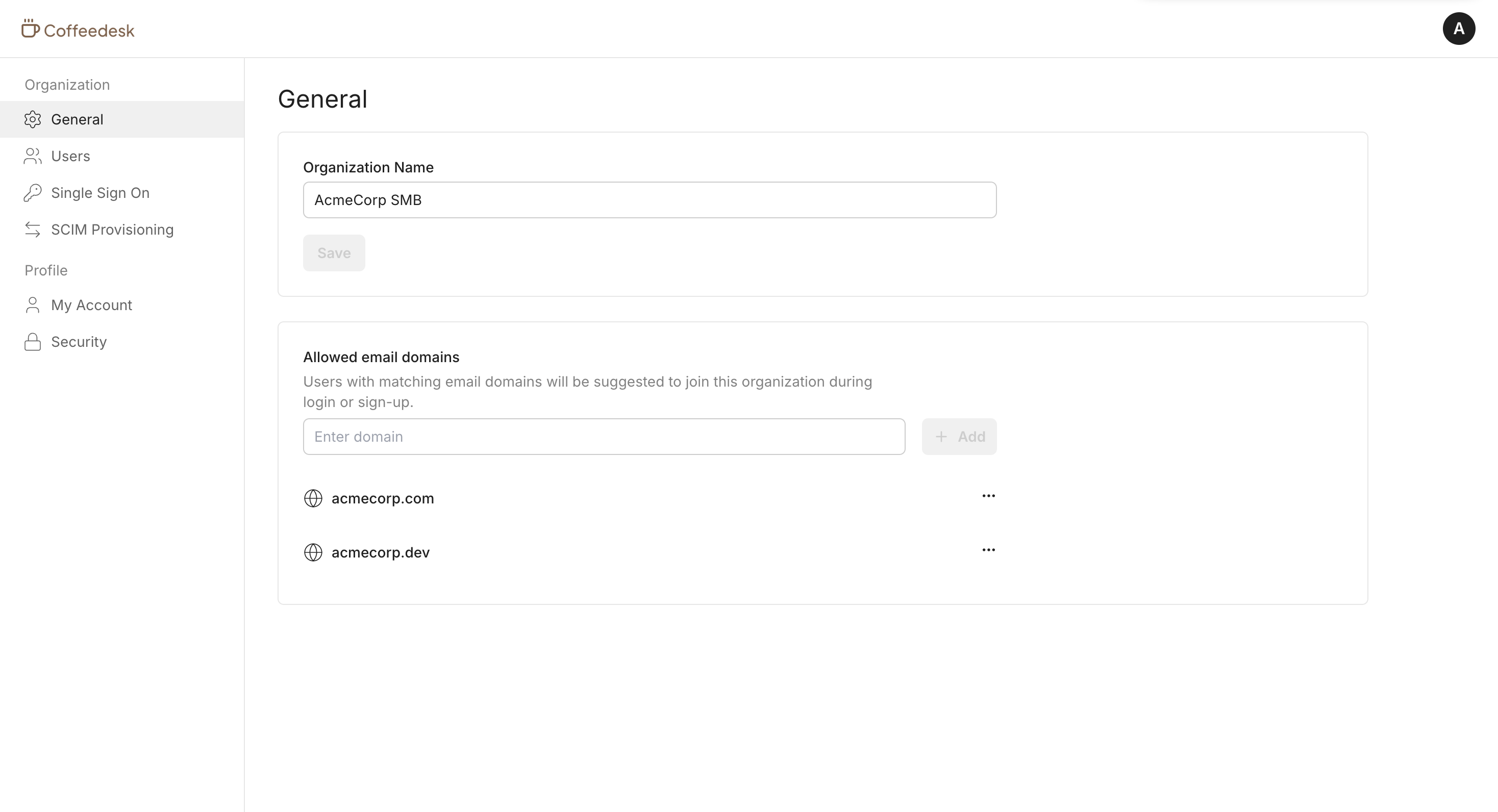
Section titled “Manage organization settings”Your customers can view and manage their organization profile, including allowed email domains. Navigate to Organization settings to update organization details.
-
Manage organization members
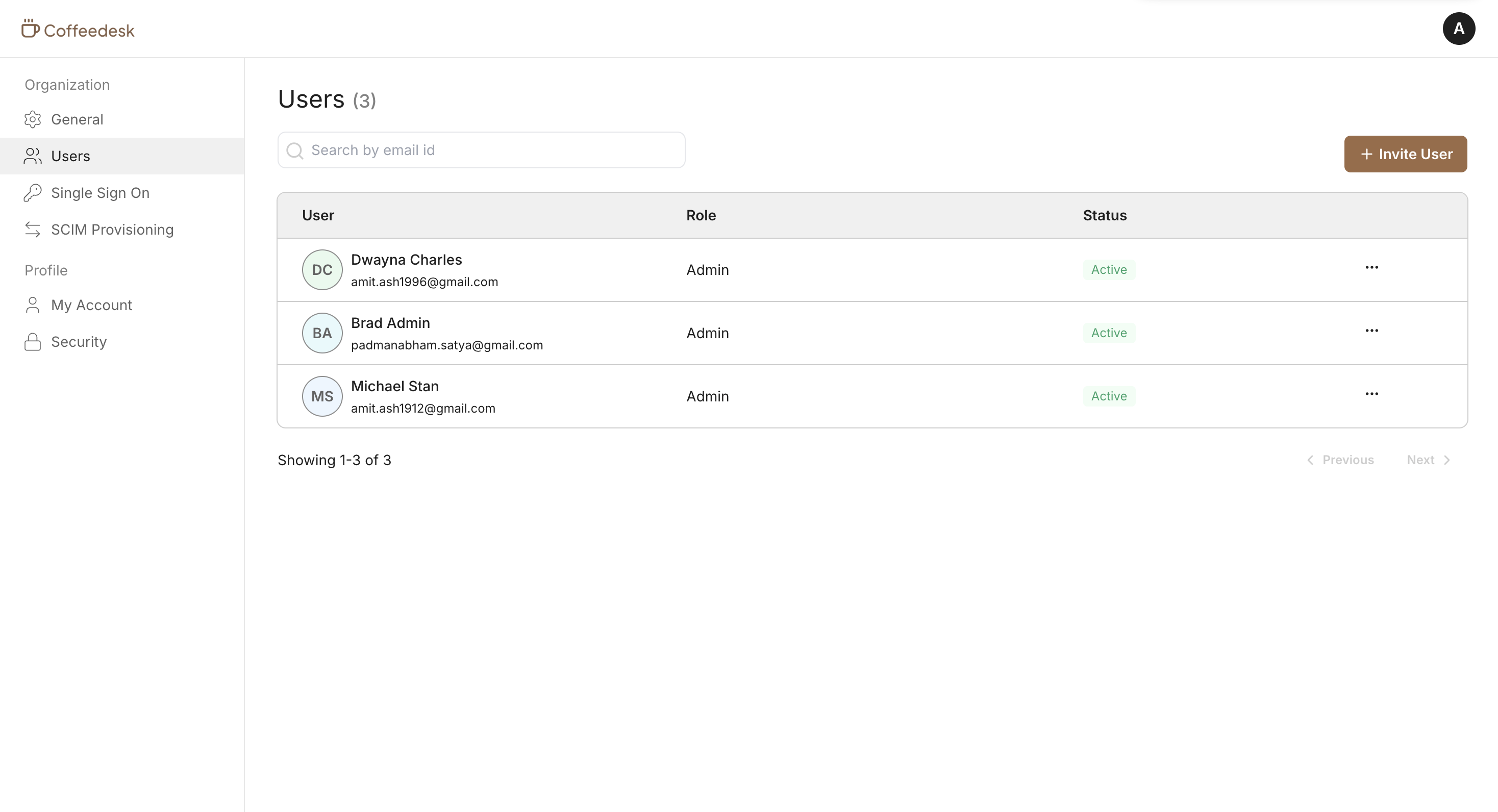
Section titled “Manage organization members”Your customers can view organization members, invite new members, manage roles, and remove members from the organization. The Member management widget provides a complete view of their team.
-
Configure SSO for the organization
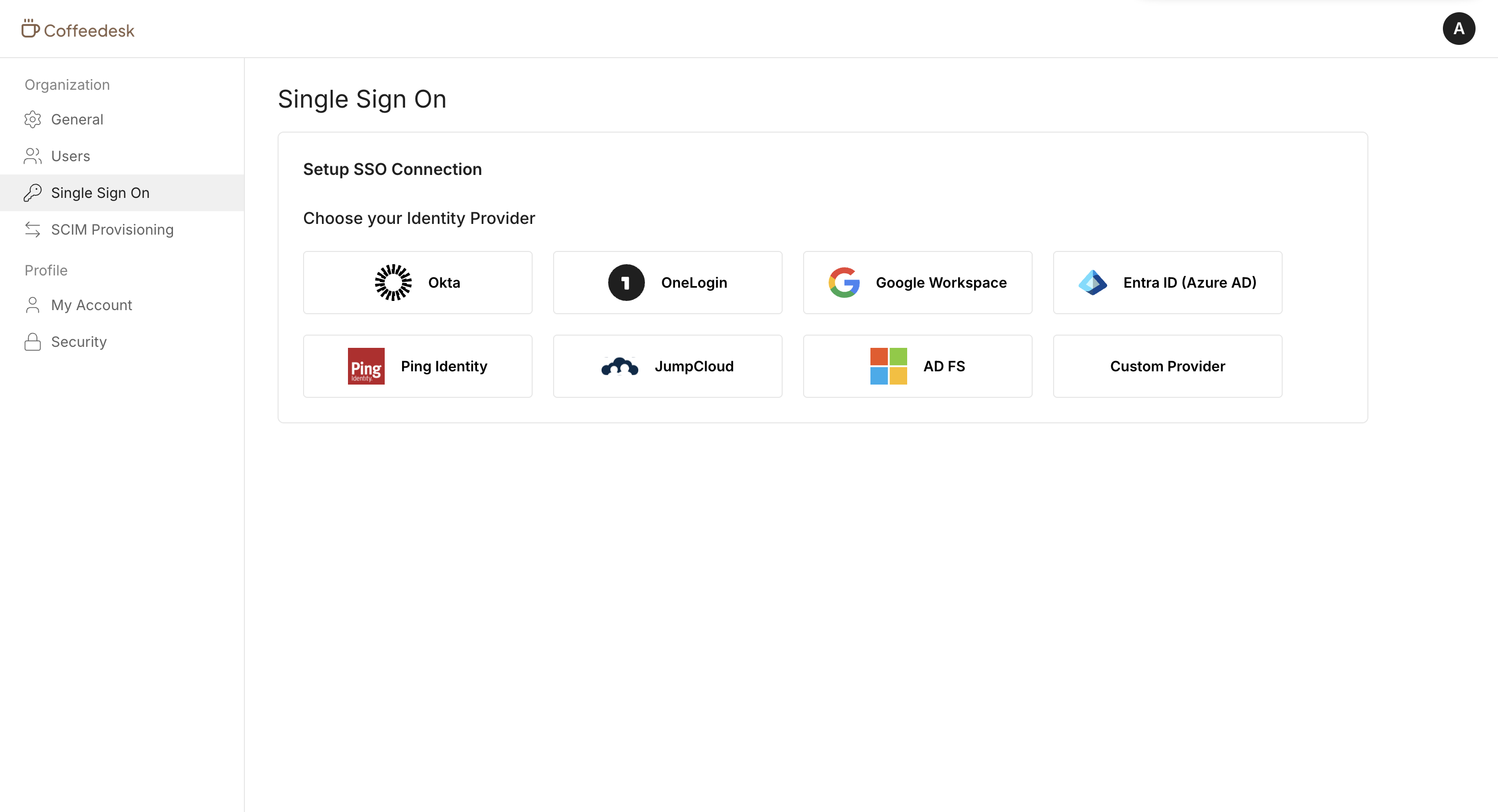
Section titled “Configure SSO for the organization”Your customers can set up and manage Single Sign-On for their organization. The widget includes a setup guide tailored to their identity provider, making it easy to connect their SSO connection.
-
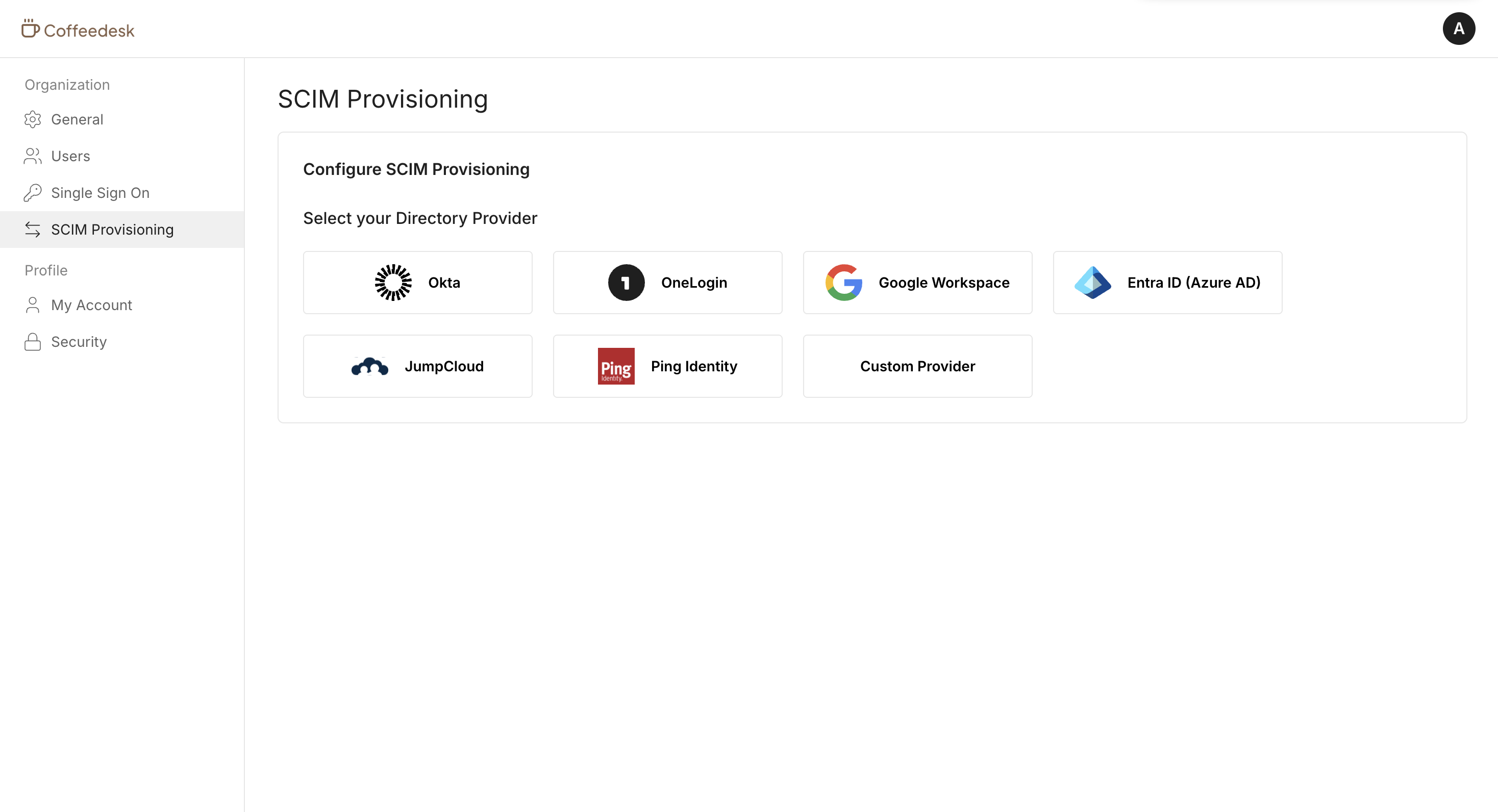
Configure SCIM for the organization
Section titled “Configure SCIM for the organization”Your customers can set up and manage SCIM provisioning for their organization. The widget includes a setup guide tailored to their identity provider to automate user and group provisioning.
User widgets
Section titled “User widgets”User widgets let your customers manage their personal profile and security settings. These widgets are accessible to all authenticated users and are not controlled by organization-level feature entitlements or Scalekit permissions.
-
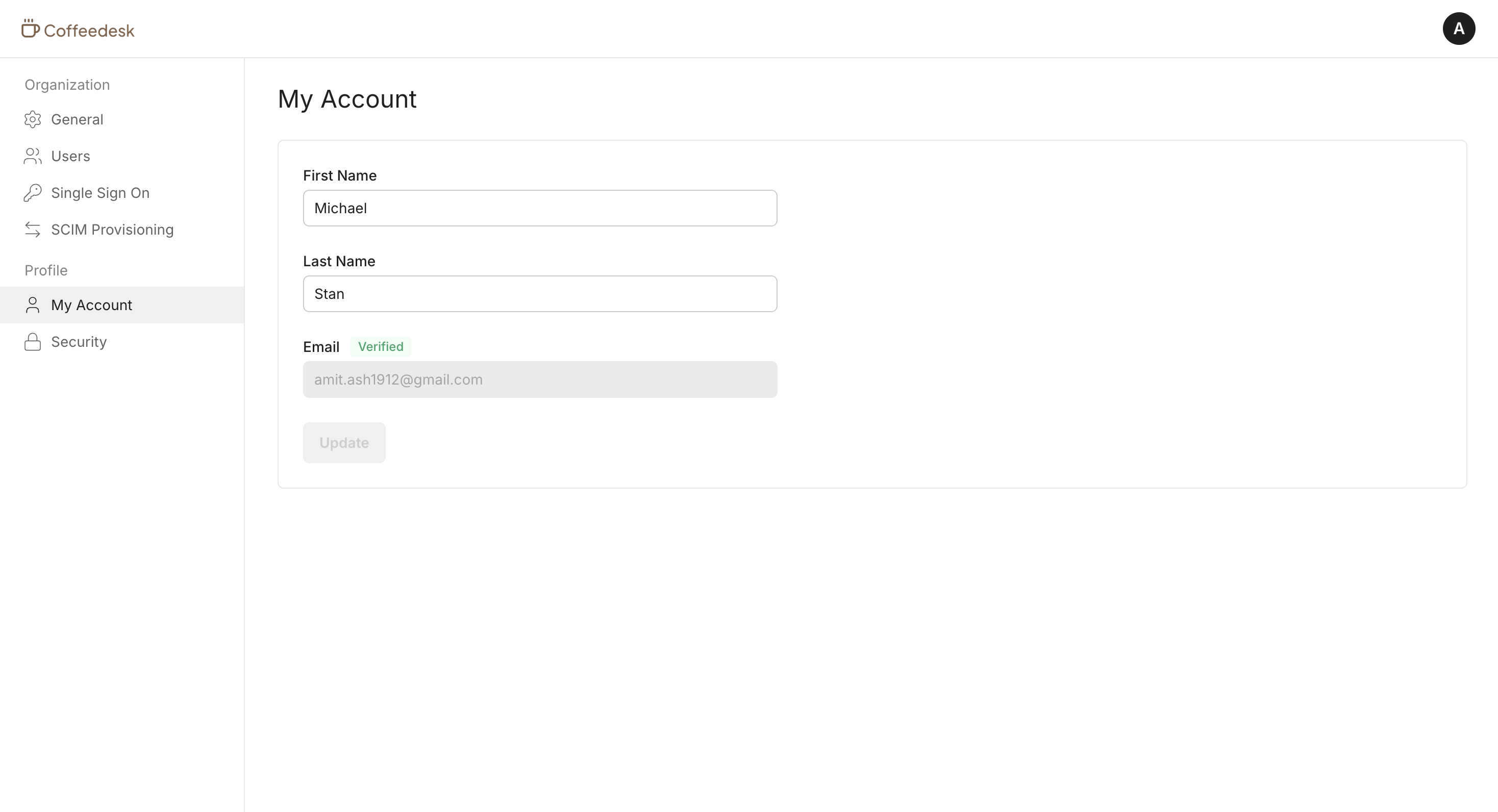
Manage profile
Section titled “Manage profile”Your customers can view and manage their personal profile information, including their name, email, and other account details.
-
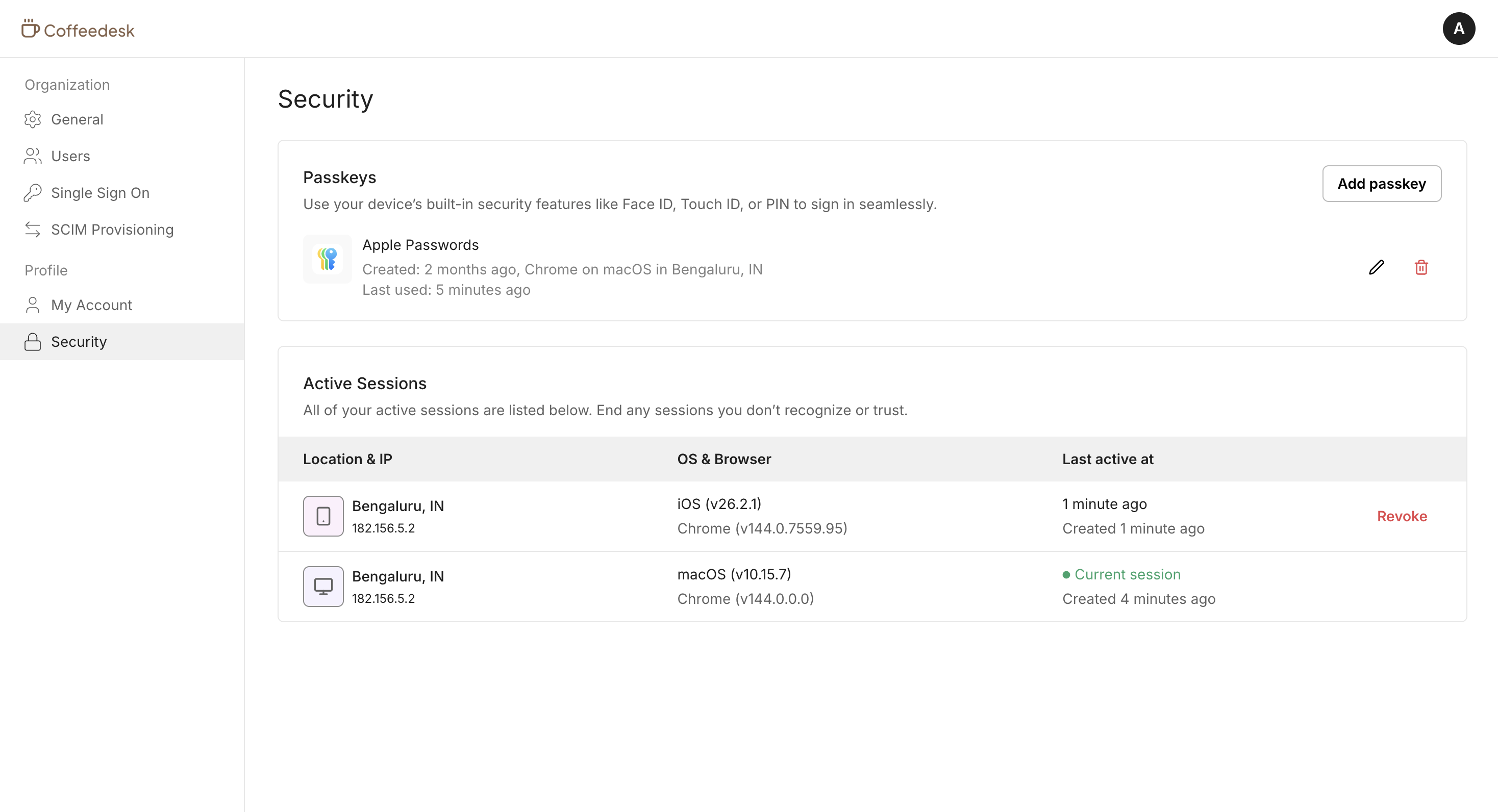
Manage security
Section titled “Manage security”Your customers can register and manage passkeys, view active sessions, and revoke sessions. The User security widget helps them maintain account security.
Access management
Section titled “Access management”Hosted Widgets enforce access using Scalekit permissions. You can map these permissions to any application roles assigned to the end user. When a user accesses Hosted Widgets, Scalekit checks their permissions and shows the available widgets.
| Permission | Purpose |
|---|---|
sk_org_settings_read | View organization profile and settings |
sk_org_settings_manage | View and modify organization profile and settings |
sk_org_users_read | View users in an organization |
sk_org_users_invite | Invite new users to an organization |
sk_org_users_delete | Remove users from an organization |
sk_org_users_role_change | Change roles of users in an organization |
sk_org_sso_read | View SSO configuration for an organization |
sk_org_sso_manage | View and modify SSO configuration for an organization |
sk_org_scim_read | View SCIM configuration for an organization |
sk_org_scim_manage | View and modify SCIM configuration for an organization |
Branding & customization
Section titled “Branding & customization”Hosted Widgets can be customized to match your application’s branding. Hosted Widgets use your application logo, favicon, primary color, and more to look like an extension of your app.
You can also change the Hosted Widgets URL to match your application URL by setting up a custom domain.
Common Hosted Widgets scenarios
Section titled “Common Hosted Widgets scenarios”What happens if a user does not have a session?
If no session exists, the user is redirected automatically to the hosted login page of your application.
What happens when a user logs out from Hosted Widgets?
When a user logs out from Hosted Widgets, they are redirected to the hosted login page of your application. This can cause your app session and the Scalekit session to fall out of sync. We recommend one of the following approaches:
- Implementing back-channel logout so Scalekit can notify your app about session termination.
- Listening for the user logout webhook to get notified about session termination.